Selection Display
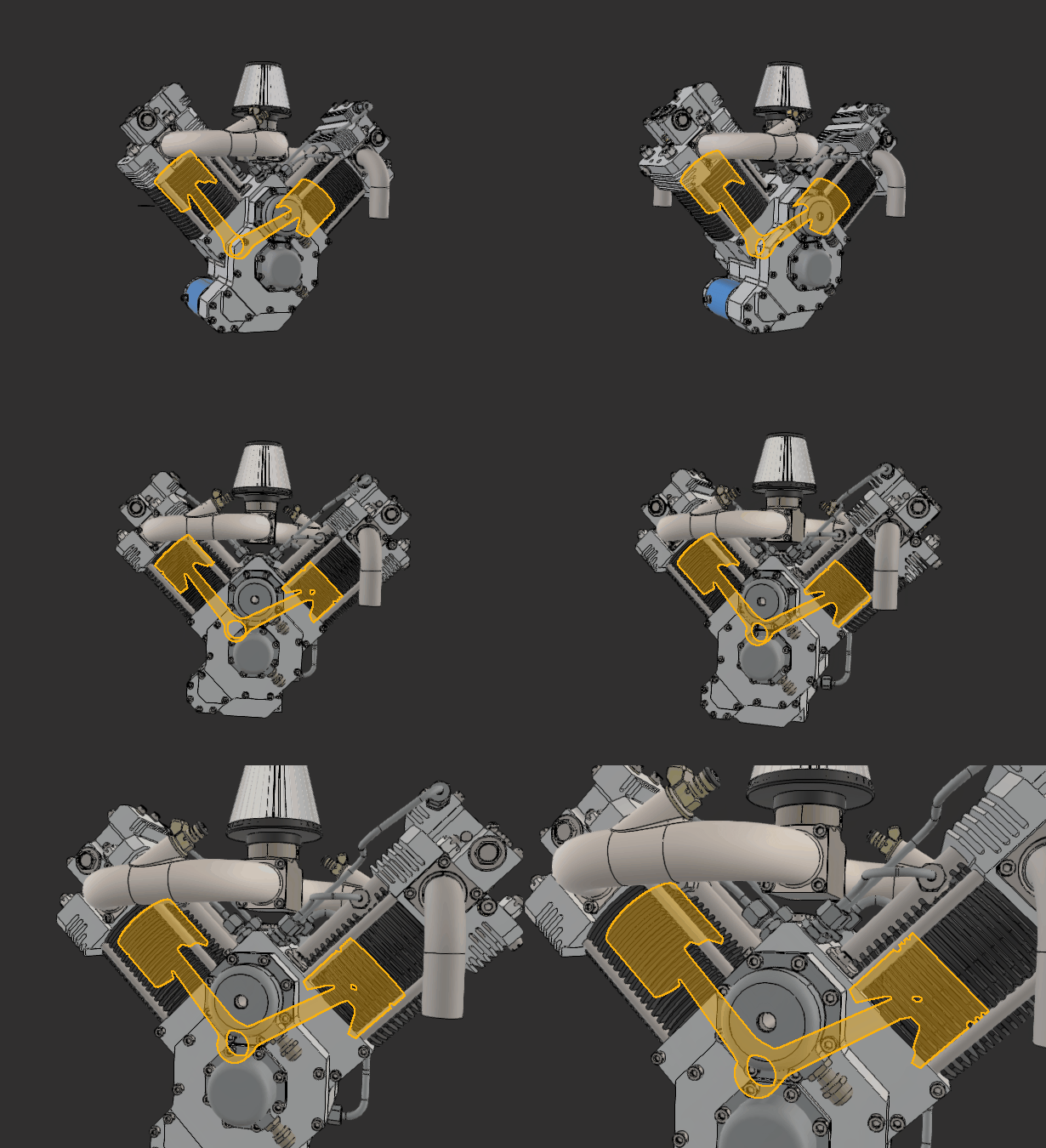
In the viewer, parts being selected are highlighted with a colored outline, describing the contour of the selection, and a semi-transparent colored overlay.
This selection mode is meant to help distinguish Parts potentially hidden by the rest of the 3D scene, and making manipulation and navigation more comfortable.