Interrupting a Process
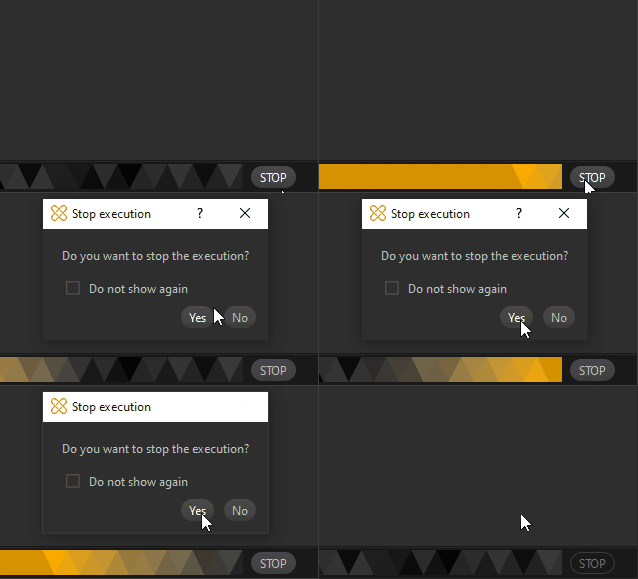
A STOP button is available in the interface, allowing to interrupt the execution of a function.
When preparing a model interactively in Pixyz Studio, some functions can take a long time to execute, especially when dealing with large models.
The user may wish to stop the execution of a function, because it is taking too long, or because they wish to change the parameters of the function before executing it again.
It is especially handy with potentially time-consuming functions when improperly parameterized - and for which finding a good parameterization is complex and requires step-by-step fine-tuning - like Remove Occluded Geometries (Advanced), Orient Faces (Advanced) or functions executing baking.
How To
From the bottom right corner of the user interface, click the STOP button to interrupt a process.
A dialog box is then prompted asking you if you wish to confirm the interruption, choose Yes or No:
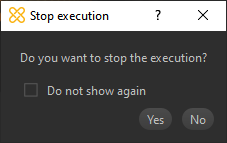
Enable the Do not show again option if you wish to stop being asked to confirm the interruption.
Note
Not all functions can be stopped: the STOP button remains grayed out when interruption is not possible. For example, importing a file in Pixyz Studio cannot be stopped.